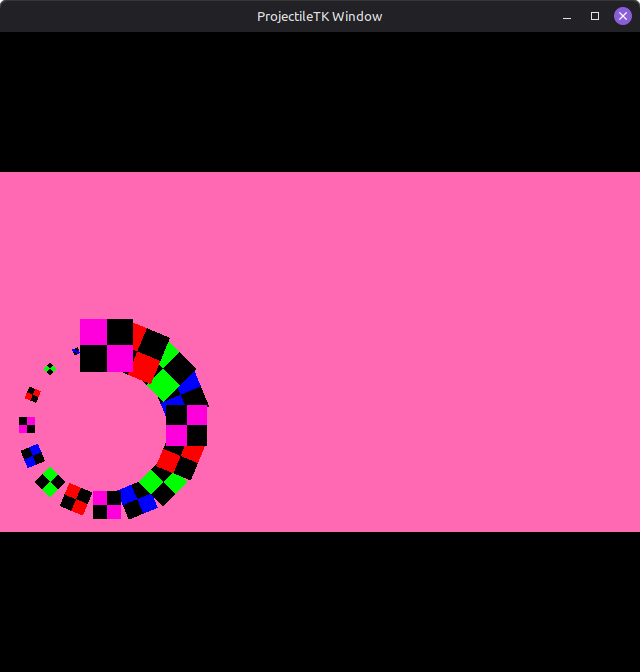
I’m trying to render my app in a custom framebuffer, and then display that framebuffer on a quad in the default framebuffer. I’m doing this to maintain a consistent aspect ratio regardless of window size. The problem is that when I render my sprites on my framebuffer, their positions get messed up.
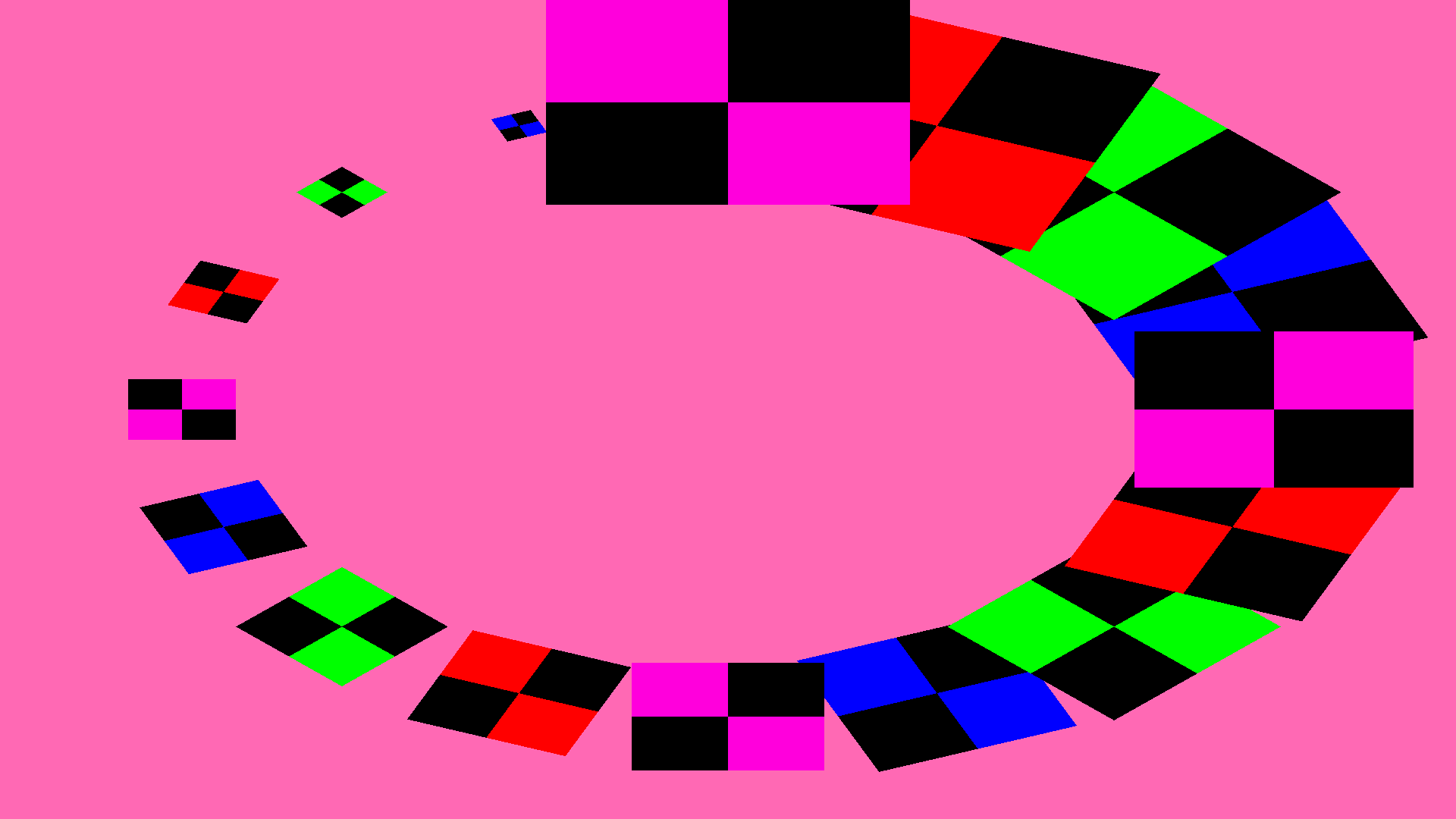
Here the spiral is supposed to be centered (which it is, if I render it directly to the default frame buffer). The strange thing is that the closer the window resolution is to the framebuffer size, the closer the result is to correct; if I make the window fullscreen, which makes it identical in size to the framebuffer, the sprites render correctly.
Creating a sprite at position (0,0) places it at the center of the spiral.
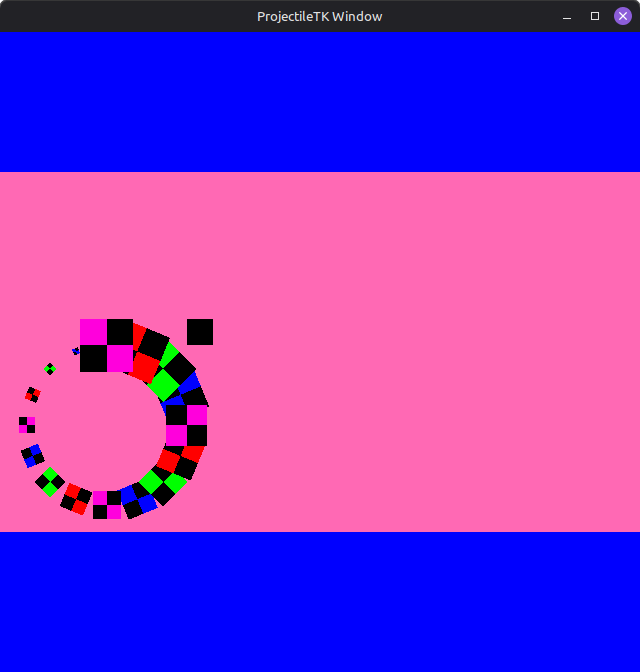
Creating a sprite at position (1,1) places it at the top right corner of the spiral’s bounding box, and crucially, it is clipped as if it was placed at the top right corner of the window (see image).
This tells me that the sprites are being rendered to my framebuffer as if they were being rendered to the default framebuffer. Here, my window is square (640x640), so my sprites are being rendered on a square, and that square is placed in my framebuffer, which is rectangular (1920x1080). When I make the window fullscreen, the sprites are rendered on a rectangle, which is then placed in my framebuffer – but since the two have the same size, no weirdness occurs.
I figured it out, and I feel pretty dumb now. I was not calling GL.Viewport, so I was in fact rendering on a square. Changing the viewport size when switching framebuffers fixed my issue.
I’m going to leave this post up in case someone is having a similar issue.